← Back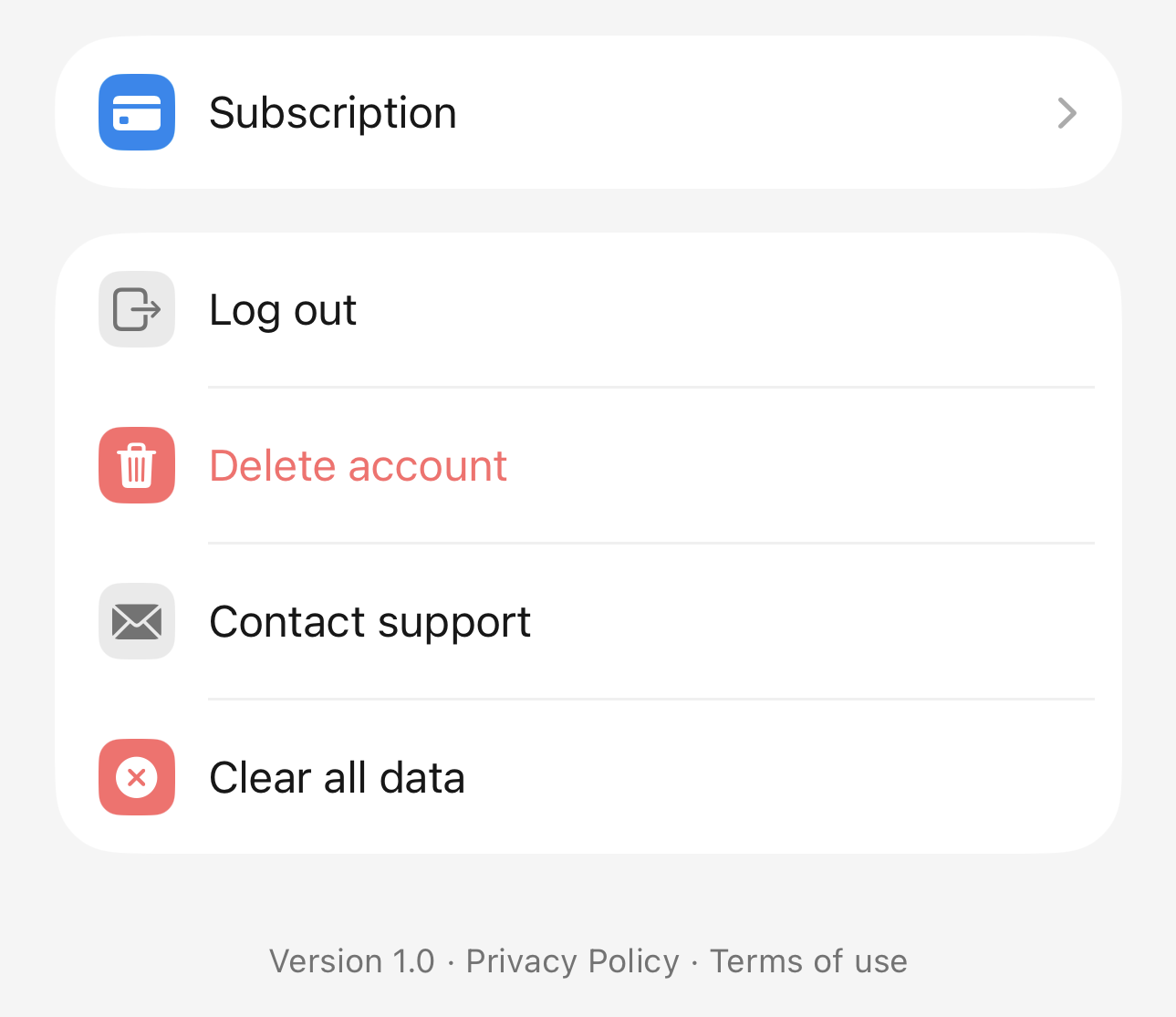
Delete Your Blinck Account
You are always in control of your Blinck account and your data.
How to delete your account
You can delete your account directly from inside the Blinck app:
- Open Settings
- Find “Delete account”
- Tap and Delete
Once you confirm, your account and all associated data will be permanently removed.
What happens when you delete
When your account is deleted:
- Your profile is removed
- Your tasks, notes, goals, and messages are erased
- Your AI conversations are deleted
- Your data is no longer accessible
This action cannot be undone.
If you need help
If you cannot delete your account from the app for any reason, contact us and we will assist you.
You can reach support through the Blinck app or at:
We will process deletion requests as quickly as possible.